Getting started
Start With One Task: 7 Ways to Use AI at Work Without Turning Your Company Upside Down
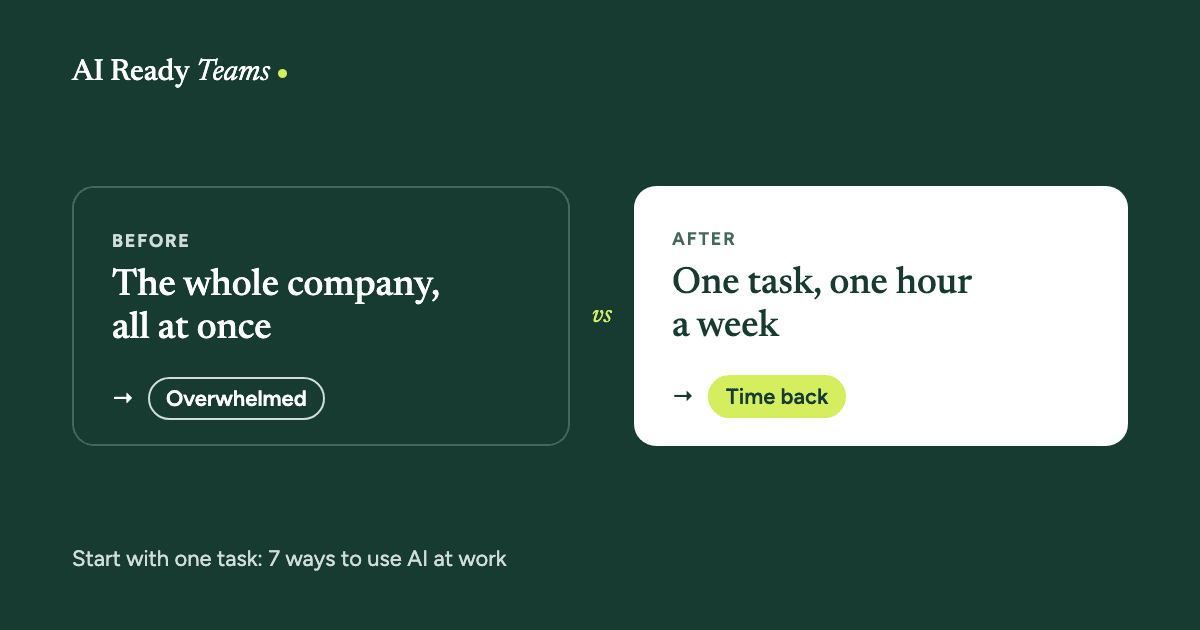
Most teams freeze because they think using AI means rebuilding the whole company. It doesn't. The teams getting real value start with one task, practise on their own work, and grow from there. Here are seven ways to do that, each with a prompt you can try today.
Before you read on: reading this won't change your Monday. Trying one prompt will. Keep your AI tool open in another tab and try each prompt as you go, on a real task, with nothing private in it.
1. Start with one task, not a whole new company
You don't need to become an "AI company", any more than you became an "email company". You keep running the business you know, and use AI on the parts of the work that eat your time.
The mistake is trying to fix everything at once. People get overwhelmed, nothing sticks, and AI gets written off as hype. Pick one task. Get it working. Then pick the next.
Good first tasks are the ones you do often and dread a little: the weekly update, replies to the same questions, notes after a meeting, a first draft of a report. See what teams in 10 industries started with. Most of it is everyday work, not anything fancy.
Pick your one task
Ask me about the tasks that take up most of my week, one question at a time.
Then help me pick ONE task where you could save me time this week.
Show me the first small step to try, using only information I'm allowed to share.
2. Go for a small win you feel every day
A tool you use once a month never becomes a habit. Microsoft's research with Copilot users found people start to feel AI is worth it once it saves them a few minutes every day, and that the real benefits show up after a couple of months of steady use, not on day one (Microsoft WorkLab).
So choose something small that happens every day or every week, and protect one hour a week to practise. Put it in your calendar like a meeting. That hour is where the habit gets built.
3. Write down your steps
You know your job so well that much of it feels like instinct. But instinct is just steps you no longer notice, and AI can't read your mind. If a new starter shadowed you for a day, what would they see you do?
Write those steps down, in order, including the "if this, then that" moments. Then let the AI interview you about what's missing. You'll often find the part only you can do, and the parts you could hand over.
Take the magic out of your expertise
Here are the steps I follow when I [name the task]:
[list every step, the way a new starter watching you would see it]

Ask me questions, one at a time, until you could do this the way I do.
Then tell me which steps you can help with, and which still need me.
4. Brief it like a brilliant new starter
Anthropic, the company behind Claude, describes it as a brilliant but very new employee who knows nothing about your company, your customers or the way you like things done (Anthropic's prompting guide). Their test is a good one: if a colleague read your request with no background, would they know what to do?
A good brief has five parts:
- Who it should be: "You're helping an operations manager at a 40-person firm."
- The task, in one clear sentence.
- Who it's for, and what they care about.
- Why it matters, so it knows what "good" means.
- An example of work you liked. Examples teach faster than rules.
The new-starter brief
You're helping a [your role] at a [type of company].
The task: [what you need, in one sentence].
Who it's for: [the reader, and what they care about].
Why it matters: [the goal behind it].
Here's an example of what good looks like: [paste one].
Before you start, ask me anything you need to know.
5. Coach it. Don't give up on day one
Nobody expects a new hire to be brilliant in their first week. They need examples and honest feedback. AI is the same, except it learns from you in minutes instead of months.
- When it gets something wrong, say exactly what and why. "Too formal. Our clients are small business owners. Write like you're talking to them across a table."
- Save what works. Once a brief gives you good results, keep it, so you never start from scratch. In Claude you can keep it in a Project or a Skill. Other tools have their own version.
- Try again next month. These tools improve fast. As Wharton professor Ethan Mollick puts it, assume this is the worst AI you will ever use. Something that failed a few months ago may work well now.
6. Check before you trust
AI is strong at some tasks and surprisingly weak at others, and it doesn't always tell you which is which. A Harvard and BCG study with consultants found AI made them faster and better on some tasks, and more likely to get the answer wrong on others, because they trusted it where it was weak ("Navigating the Jagged Technological Frontier").
There's a team cost too. Researchers at BetterUp and Stanford call it "workslop": AI-made work that looks polished but doesn't hold up, so the person who receives it has to redo it, and trusts the sender a little less (Harvard Business Review).
The simple rule: you own everything you send. Read it before it goes anywhere, check facts, names, numbers and dates, and keep private information out unless your tool is approved for it. Our data-safety guide has the details.
Make it check its own work
Before I use this, check your own work:
1. List every fact, name, number or date I should double-check.
2. Tell me anything you're unsure about or guessed.
3. Tell me what's missing for [the reader] to act on it.
7. Go first, then share what works
If you lead a team, use AI on your own work before you ask anyone else to. You'll understand what's realistic, you'll have real examples to show, and your team will see you trying, and sometimes failing, in the open. That makes it safe for them to try too.
When you share, talk about what people get back, not about the AI: the hour saved on the weekly report, the evening not spent on notes, the client who got an answer the same day. People care about the result, not the tool.
Then make sharing easy. Keep the briefs and workflows that work in one shared place, so the whole team can use them, not just the one person who figured it out.
Your first month, one hour a week
| When | What to do |
|---|---|
| Week 1 | Pick one task with the prompt above. Write down your steps. |
| Week 2 | Brief the AI like a new starter and try it on the real task. Check everything. |
| Week 3 | Fix what went wrong, then save your best instructions so you don't start from scratch. |
| Week 4 | Show one colleague what you built, and pick your next task. |
By the end of the month you have one task that takes less of your time, a brief you can reuse, and a much better feel for where AI helps and where it doesn't. That's a real start.
Where these ideas come from
- Anthropic, prompting best practices.
- Dell'Acqua, Mollick and others (Harvard Business School and BCG), Navigating the Jagged Technological Frontier, 2023.
- Niederhoffer, Hancock and others, AI-Generated "Workslop" Is Destroying Productivity, Harvard Business Review, 2025.
- Microsoft WorkLab, The 11-by-11 Tipping Point, 2024.
- Ethan Mollick, Co-Intelligence: Living and Working with AI, 2024.
Build a team that is ready.
Your team already has access to AI. The next step is helping them use it well.
Start with one team, one workflow and one measurable improvement.