AI Rules & Data Safety
What Never Goes Into AI: A Data-Safety Guide for Teams
Most teams don't have an AI data problem. They have a guessing problem. Nobody is sure what's allowed, so some people avoid AI and others paste in things they shouldn't. Here are simple rules your team can agree in an hour.
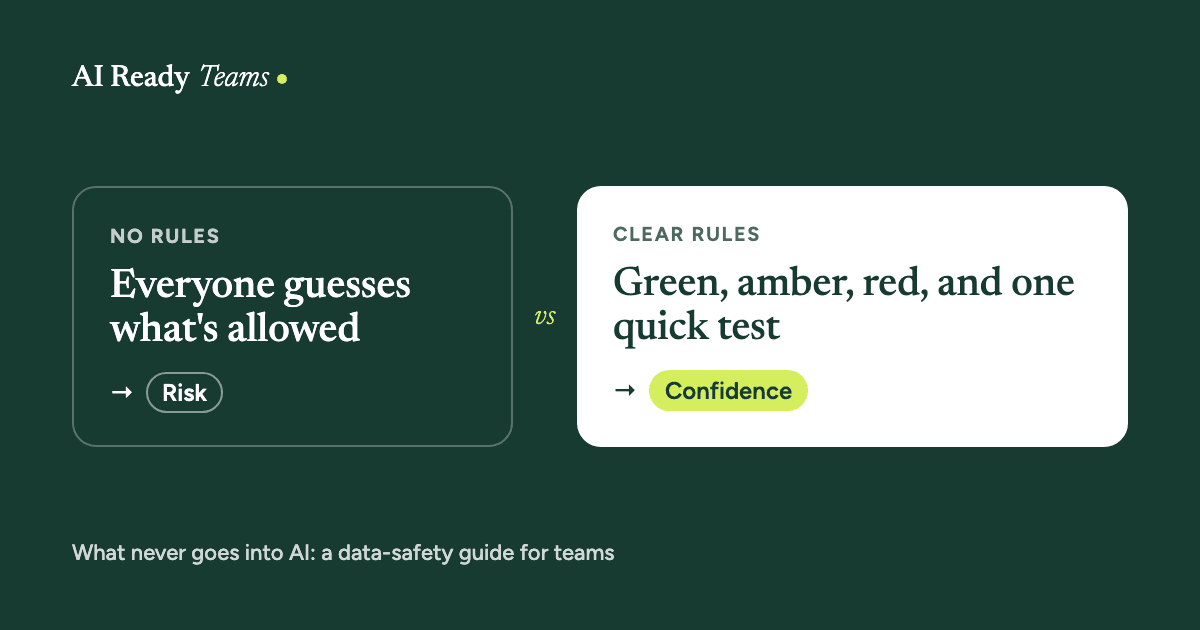
People use new tools when they feel safe trying them. When the rules are unclear, the careful people hold back and the confident ones guess. Both are a problem. Clear, simple rules fix both at once, and they take far less time to agree than most leaders expect.
The one-question test
Would you be fine seeing it in public, with your company's name on it? If not, don't paste it into an AI tool your company hasn't approved for that kind of information.
It won't cover every case, but it catches most mistakes before they happen.
Never paste these into an unapproved tool
- Client or customer names together with their details.
- Health, financial or ID information about anyone.
- Passwords, keys and account numbers.
- Staff records, pay and performance reviews.
- Contracts, prices or plans marked confidential.
- Anything you promised a client or colleague you'd keep private.
The easy fix: take the names and numbers out first. "Client A", "our supplier" and "$X" work just as well for most tasks, and you can put the real details back in yourself.
Green, amber, red: what AI is for in your team
This is the list most teams find easiest to remember. Use it as a starting point and make it yours.
Green: go ahead
- Drafting emails and notes from your own points
- Summarising documents that aren't confidential
- Brainstorming ideas, titles and questions
- Rewriting in a clearer or friendlier tone
- First drafts you'll check before they go anywhere
Amber: a person checks first
- Anything going to a client or outside the company
- Numbers, dates, facts, prices and quotes
- Anything legal, financial or HR related
- Summaries you'll use to make a decision
- Anything that will be published
Red: never
- Client or customer personal details
- Health, financial or ID information
- Passwords, keys and account numbers
- Staff records, pay and reviews
- Decisions about people, made by AI alone
Use company accounts, not personal ones
The same AI tool can come with different settings on a personal plan and a business plan. For work, use the tools and accounts your company approves.
With Claude, for example, Anthropic's business terms for Claude Team and Enterprise say your chats aren't used to train its models. On personal plans (Free, Pro and Max), each person chooses in their own settings whether their chats can be used to improve Claude. Other AI tools have their own rules, so check the settings and terms of any tool before your team uses it for work.
Connectors: more access, more care
Connectors let Claude use apps you already work in, like Gmail, Outlook, your calendar or your shared drive. That saves a lot of copying and pasting, and it also means Claude can see real company information. So:
- Connect only what the task needs, and start with one app.
- Know what each one can do. With Claude, Gmail can only save drafts, so a person always presses send. Microsoft 365 is read-only. Google Calendar and Drive can make changes when you ask.
- On Team and Enterprise plans, some connectors, like Slack, have to be switched on by your admin first.
Our connectors and skills explainer covers this in plain words.
If someone pastes something they shouldn't
It will happen. What matters is what people do next, and whether they feel safe saying so.
- Stop, and don't add anything more to that chat.
- Tell your manager, or whoever looks after privacy, straight away. Speed matters more than embarrassment.
- Delete the chat if the tool lets you. Deleting doesn't always undo everything, so still tell someone.
- Follow your company's process. In some cases the law requires a report, and the person responsible for privacy will know.
- Use it to improve the rules, without blame. A team that hides mistakes can't fix them.
Agree your rules in one hour
- 15 minutes: list the AI tools people use now, approved or not. No blame, just a list.
- 20 minutes: sort the information your team handles into green, amber and red.
- 15 minutes: decide which tools are approved, who approves new ones, and who to ask when unsure.
- 10 minutes: write it on one page and share it where people will see it.
Let Claude draft the first version
This prompt needs no real client or company data, so it's safe to use in any approved tool.
Draft our team's AI rules
Help me draft simple AI rules for my team. Don't ask me for any real client or company data.

About us: [team, for example a 12-person sales team at a logistics company]
The AI tools we're allowed to use: [for example Claude Team]
The kinds of information we handle: [for example client contact details, pricing, contracts, internal reports]
Anything our clients or regulators require: [for example "client contracts say their data stays in Canada", or "not sure"]

Please write:
1. A green, amber and red list: what's fine to use AI for, what needs a person to check, and what never goes in.
2. A one-line quick test people can remember.
3. What to do if someone pastes something they shouldn't.
4. Who to ask when unsure. Leave a [name] placeholder.

Keep it to one page, in plain words. Flag anything we should check with our legal, privacy or IT people.
This guide isn't legal advice. If your team handles health, financial or other regulated information, or your client contracts say where data must stay, check with your legal, privacy or IT team before you agree your rules.
Facts about Claude checked 29 September 2026. Source: Anthropic Privacy Center, "Is my data used for model training?" and Claude Help Center, "Use connectors to extend Claude's capabilities" .
Build a team that is ready.
Your team already has access to AI. The next step is helping them use it well.
Start with one team, one workflow and one measurable improvement.