AI Basics
AI in Plain Words: What Your Team Needs to Know Before Day One
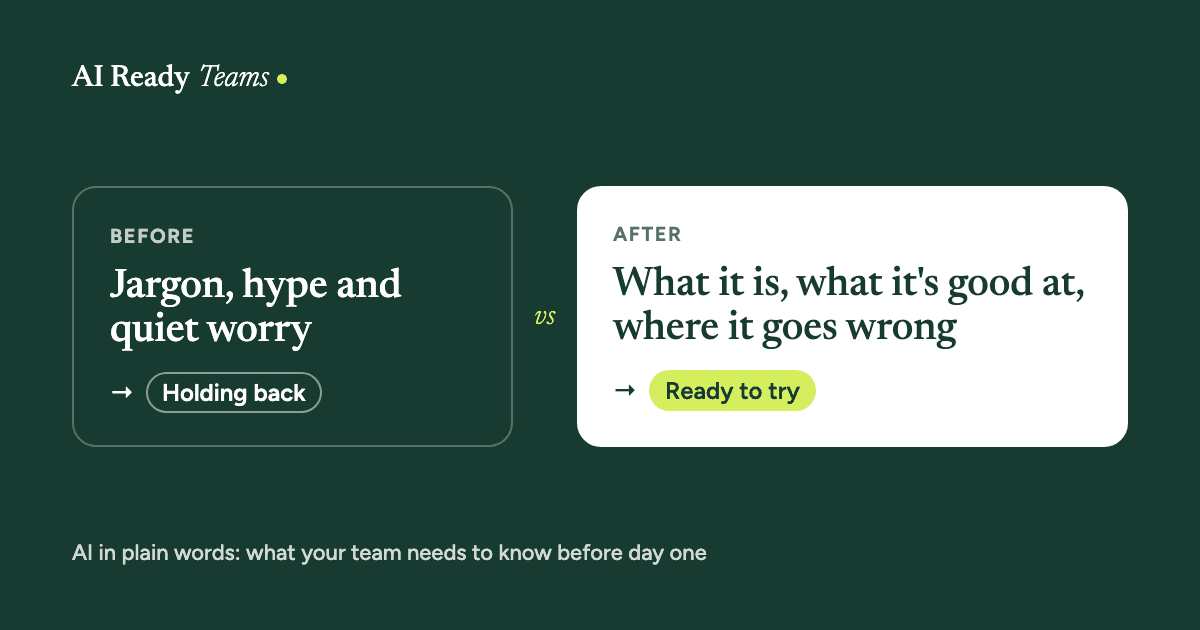
You don't need to understand how AI works to use it well at work, any more than you need to understand email servers to send an email. You need to know what it's good at, where it goes wrong, and a few words people keep using. That's what this guide covers.
What AI assistants are
Tools like Claude, ChatGPT, Microsoft Copilot and Google Gemini are AI assistants. You type a request in normal words, and they write a reply. They learned from huge amounts of text, so they're very good at producing language that fits what you asked for.
Two things are worth knowing from the start. They don't "know" things the way a person does, so they can sound sure and still be wrong. And they don't know anything about your company, your clients or your work unless you tell them.
What it's good at
- First drafts of emails, reports, plans and messages.
- Summarising long documents you're allowed to share.
- Rewriting something to be clearer, shorter or friendlier.
- Brainstorming ideas, questions and options.
- Explaining a topic you're new to, at the level you ask for.
- Turning messy notes into a tidy list, table or plan.
Where it goes wrong
- It can make things up. Facts, quotes, sources and numbers can be invented and still sound convincing.
- It can slip on details. Names, dates and sums are worth checking every time.
- It may be out of date, unless the tool can search the web and you've asked it to.
- It doesn't know your situation until you describe it.
- It can repeat unfair assumptions found in what it learned from, so read its output with fairness in mind, especially anything about people.
A simple way to think about it: treat AI like a very fast, keen new colleague. It produces useful drafts quickly, and you check the work before it goes anywhere.
Ten words you'll hear
| Word | What it means |
|---|---|
| Prompt | What you type to ask the AI for something. A good prompt is like a good brief to a colleague. |
| Context | The background you give: who it's for, what you want, and any documents or examples. More context usually means better answers. |
| Model | The AI system underneath a tool. Claude is made by Anthropic. ChatGPT is made by OpenAI. |
| Hallucination | When AI states something false as if it were true, like a made-up fact, quote or source. |
| Chat | One conversation with the AI. You can ask follow-up questions, and it remembers what was said earlier in that chat. |
| Project | A workspace where you keep notes and documents, so every chat inside it starts with that background. |
| Connector | A link between the AI and an app you use, like your email, calendar or shared drive, so you don't have to copy and paste. |
| Skill | A saved set of instructions the AI follows whenever that task comes up, like your team's checklist or tone of voice. |
| Agent | AI that takes several steps on its own towards a goal you set, such as finding information, then writing, then saving a file. |
| Workflow | The steps a task goes through, from start to finish. AI helps most when it fits into a workflow with a person checking the result. |
Is it safe to use at work?
It depends on which tool you use and what you put into it. Use the tools and accounts your company approves, and keep private information out unless the tool is approved for it. Our data-safety guide has a one-question test and a simple green, amber and red list.
"Will AI take my job?"
It's a fair question, and nobody can honestly promise what AI will do to every job. What you can control is how well you use it on your own work, and whether you understand where it helps and where it doesn't.
It's also fair to ask your leaders directly what AI is for in your team, and what it isn't for. Every team using AI should be able to answer that question.
Your first three tries (15 minutes)
- Rewrite something you already wrote. Paste an email you sent recently, with private details taken out, and ask: "Make this clearer and shorter. Keep my tone."
- Summarise something public. Paste a public report or article and ask for five key points in plain words.
- Plan your week. Try our "Sort out your week" prompt.
Treat it as a conversation. If the first answer isn't right, say what's wrong and ask again. That's normal, and it's how you get good results.
Before your training day
- Bring three real tasks from your week. They're what you'll work on.
- Notice which part of each task is slow or dull. That's usually where AI helps first.
- Bring your questions and worries too. There are no silly ones, and mistakes are welcome on the day.
Build a team that is ready.
Your team already has access to AI. The next step is helping them use it well.
Start with one team, one workflow and one measurable improvement.