AI Writing
Make AI Writing Sound Like Your Team, Not a Robot
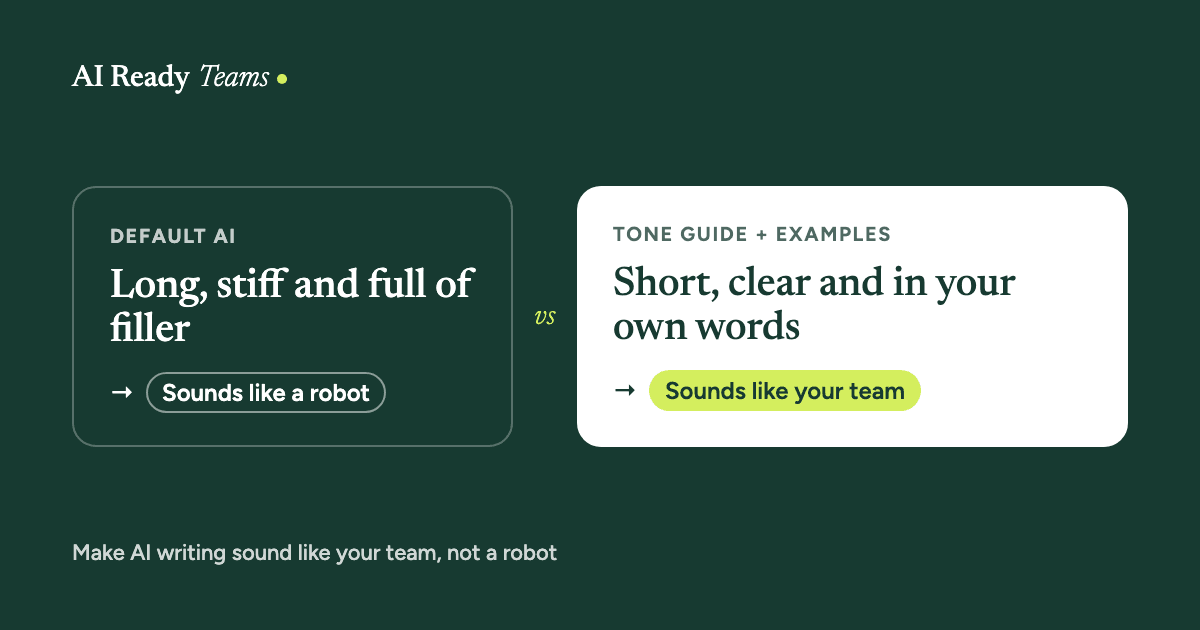
AI can draft an email in seconds. The trouble is that it often sounds like nobody in particular: long, stiff and padded. Here's how to make it sound like your team, with two prompts you can use today.
Why AI writing sounds like AI
When you give an AI assistant very little to go on, it plays safe. It doesn't know your reader, your relationship with them, or the way your team talks, so it falls back on polite, general, slightly formal writing. That's not a fault you have to live with. It's a sign it needs more context.
The signs your readers will spot
- Openers like "I hope this email finds you well".
- Big words where small ones work: "utilise", "facilitate", "endeavour".
- Everything in groups of three.
- "It's not just X, it's Y."
- Long sentences, and a summary at the end that nobody asked for.
- The same polite phrases in every message.
One or two of these are normal. When several show up together, readers notice, and they start to trust the message a little less.
Fix 1: Tell it who's reading, and what should happen next
"Write an email to a client" gives AI almost nothing. "Write to a long-standing client who is annoyed about a late delivery. I want them to accept a new date of Friday, and to feel we're taking it seriously" gives it the two things that shape good writing: the reader and the goal.
Fix 2: Give it a five-line tone guide
You don't need a brand manual. Five lines are enough. Here is an example to adapt:
How we sound: warm, direct, no fuss.
Sentences: short, one idea each.
Words we use: [for example we'll, let's, thanks]
Words we never use: [for example utilise, circle back, synergy]
Sign-off: [for example Thanks, and your first name]
Fix 3: Show it examples
This is the biggest single improvement. Paste two or three real messages you're happy with, and say "match the tone and length of these". AI is very good at copying a pattern it can see, and much less good at guessing one from a description. Take out names and private details first.
Fix 4: Edit it, don't just accept it
- Ask it to cut the draft by about a third.
- Ask it to remove anything that doesn't help the reader.
- Read the final version out loud. If you wouldn't say it, change it.
Whatever you send, you're responsible for it, not the AI.
Fix 5: Save it once, use it every time
Retyping your tone guide in every chat gets old fast. In Claude you can save it:
- In a Project: add your tone guide and example messages to the Project's notes, and every chat inside it starts from them.
- As a skill: turn it into a "write like us" skill that Claude uses whenever you're writing. On a Team plan, your Claude admin can share the skill with everyone, so the whole team sounds consistent.
Our connectors and skills explainer explains both in plain words.
Two prompts to start with
Build your tone guide from your own best writing first, then use it to fix any draft.
Build our tone guide from examples
Below are [3] messages our team wrote that sound like us at our best. Names and private details are removed.

[paste message 1]

[paste message 2]

[paste message 3]

From these, write a short tone guide with:
1. How we sound, in 3 plain phrases.
2. Typical sentence length.
3. Words and phrases we use often.
4. Words and phrases we never use.
5. How we open and close messages.

Keep it under 150 words so I can reuse it at the start of any chat.
Make this sound like us
Here is our tone guide:
[paste your tone guide]

Here is a draft that doesn't sound like us yet:
[paste the draft]

Rewrite it to match the tone guide. Keep every fact exactly as it is. Cut anything that doesn't help the reader, and aim for about [30]% shorter. Then list what you changed, so I can check it.
For the whole team: agree it in 20 minutes
- Everyone brings one message they're proud of.
- Run the tone-guide prompt on three of them.
- Edit the result together until it sounds right to everyone.
- Save it as a shared skill or in a team Project.
Sounding like you doesn't mean hiding how you work. If your company or your client expects you to say when AI helped, say so.
Build a team that is ready.
Your team already has access to AI. The next step is helping them use it well.
Start with one team, one workflow and one measurable improvement.